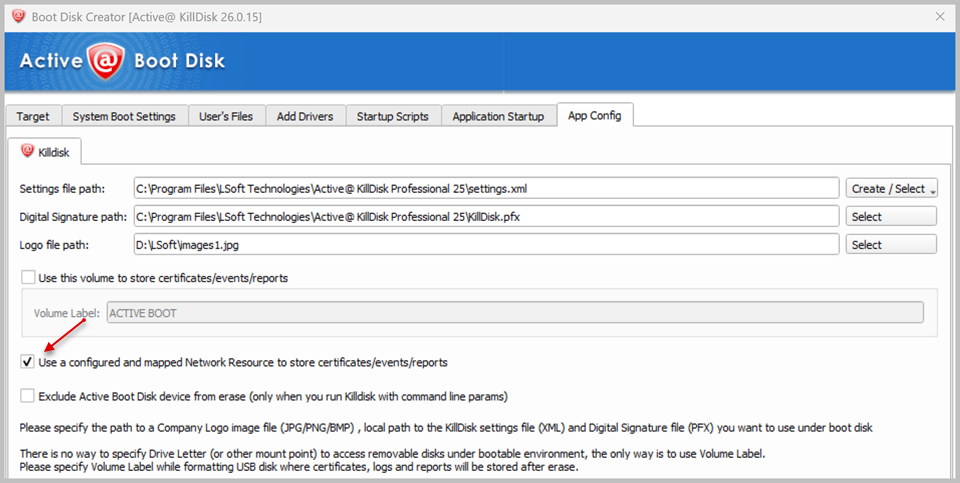
How to select the path for saving Certificates and Reports?
When creating a bootable device in Boot Disk Creator, App Config tab, you can choose between two options for where erasure certificates and reports are saved:
Save to a local volume.
Select the Use this volume to store certificates/events/reports checkbox and choose the volume label for target volume. Certificates and reports will then be saved directly to that volume every time an erasure operation completes.
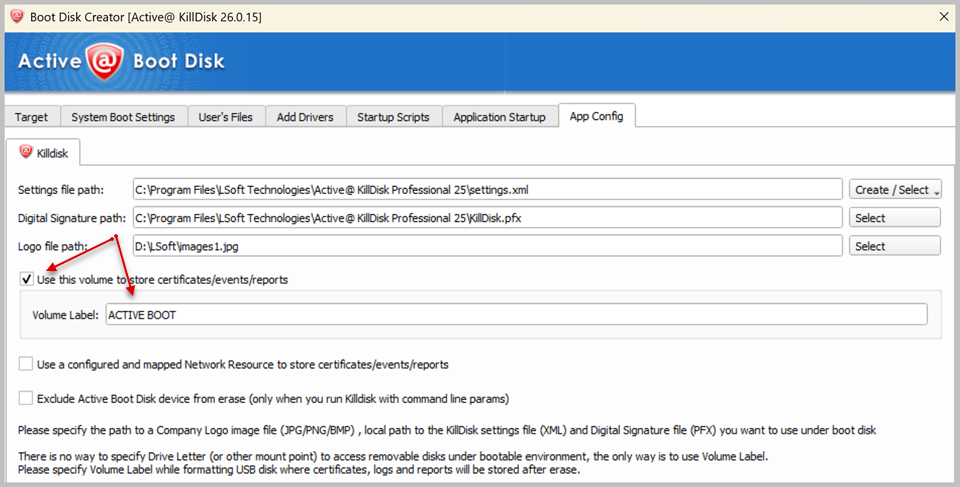
Save to a mapped network resource.
Select the Use a configured and mapped Network Resource to store certificates/events/reports checkbox. This option requires a network resource to already be configured and mapped (see Can I automatically map a network drive when booting up into Active@ Boot Disk for Windows?). Once configured, certificates and reports will be saved automatically to that network location instead of a local drive — useful when erasing many machines and consolidating all reports in one central place.